Many heads.One drawing.
A free whiteboard that runs in your browser. Share a link and draw together, end-to-end encrypted. No account, nothing to install.
a real recording, not a mockup
Draw together.
Nobody in between can read it.
When you share a drawing, your browser makes a key and puts it in the link. Everything you draw is locked with that key before it leaves your computer, so the relay that passes it along and the copy kept online only ever hold scrambled bytes.
9f 2c 71 e4 0b a8
3d 5e c1 77 02 bb
6a f0 18 9c 4d e2
sees only sealed bytes
- The key travels in the link
- Anyone you send the link to can open the drawing. Nobody else can, the server included.
- Locked before it leaves
- Each stroke is sealed with AES-256-GCM in your browser. The relay forwards bytes it cannot open.
- Still there after you leave
- An encrypted copy stays online, so the link keeps working when you close the tab. It is deleted after a year without edits.
Your drawings stay in your browser.
There is no account to make. Open the address and you are on a drawing. Every stroke is saved as you go, in this browser's own storage, so closing the tab loses nothing.
- Nothing leaves until you press Share. A drawing you keep to yourself makes no request to any server.
- My drawings, in the menu, lists everything this browser holds, with a picture of each.
- Save to disk writes a file you can keep, move to another computer and open again.
 Drawing — 20 Octedited just now
 Sprint retroedited yesterday
 Sign-up flowedited 3 days ago
Everything you reach for on a whiteboard.
The drawing engine is written in Rust and runs in your browser as WebAssembly, so a busy board stays quick. These are real recordings of the app.
Arrows that stay attached
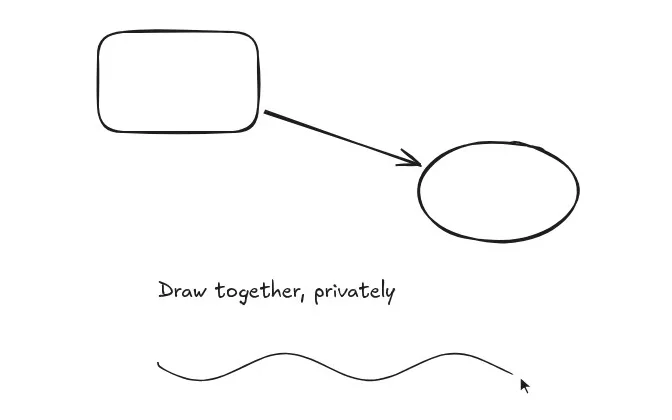
Draw an arrow from one shape to another and it holds on. Move either shape and the arrow follows.
Sticky notes
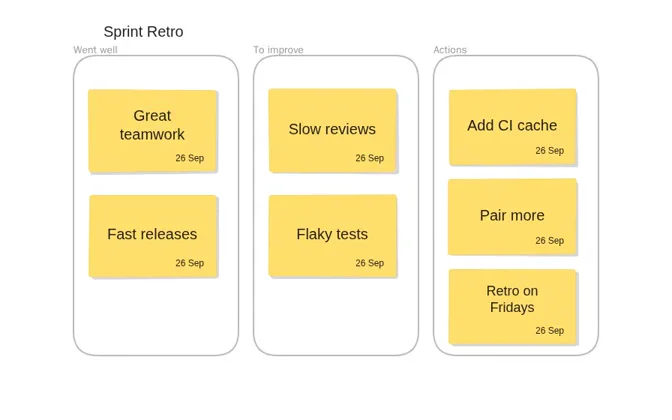
Drop a note, type on it, and it grows to fit what you wrote.
Mermaid to diagram
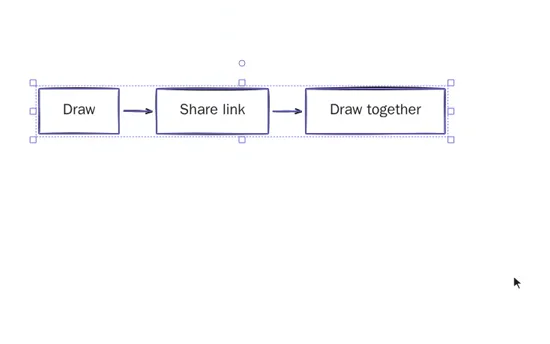
Paste a Mermaid flowchart and it lands on the board as shapes and arrows you can edit.
Trace a picture
Right-click an image and turn it into editable shapes.
Present with a laser
Walk through the board frame by frame, pointing as you go.
Start from a template
A retro, a mind map, a pitch, an architecture sketch or a checkout flow.
- Export
- PNG files, or a picture straight to the clipboard.
- Command palette
- Every action, searchable, with its shortcut beside it.
- Frames and groups
- Keep parts of a big board together and move them as one.